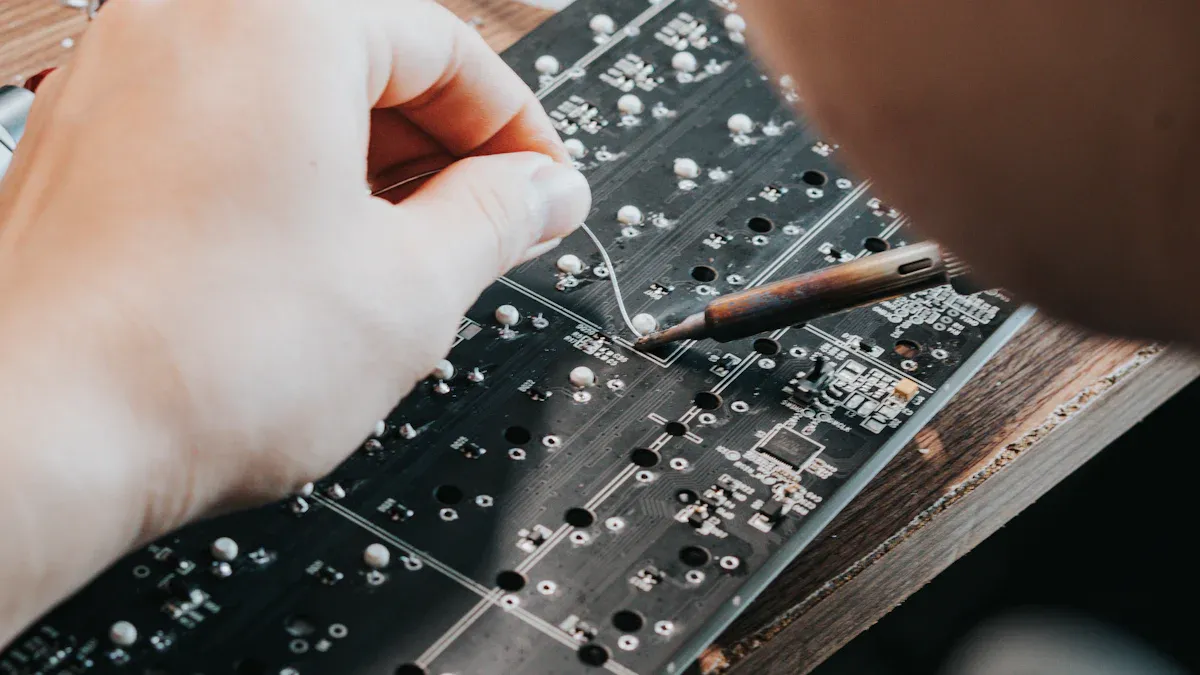
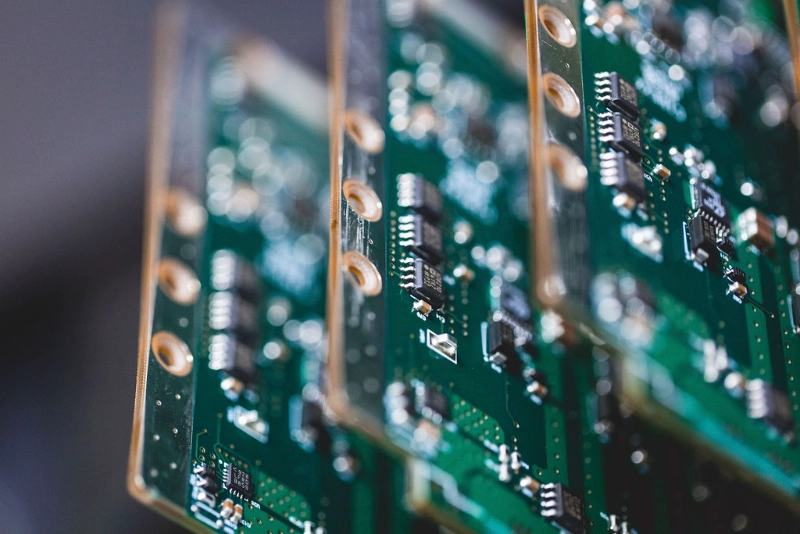
You begin PCB assembly for IoT devices by placing electronic components on a printed circuit board. This crucial step connects sensors, microcontrollers, and other parts, enabling your IoT device to function effectively within the Internet of Things. PCB assembly for IoT devices employs machines and rigorous checks to ensure your device operates optimally. Additionally, it facilitates the production of more devices as needed.
- Quality control steps in PCB assembly for IoT devices enhance longevity and performance.
- Advanced machines and specialised checks ensure that the assembly process is executed flawlessly.
- PCB assembly for IoT devices constructs circuits that provide power and control for your IoT projects.
Key Takeaways
PCB Assembly for IoT Device Overview
PCB Role in IoT Devices
The printed circuit board connects all the electronic parts. It is like the backbone of your IoT device. The PCB helps sensors, microcontrollers, and wireless modules work together. In IoT, you need good power use and strong connections. PCBs do many important jobs in IoT devices:
- PCBs help control power, which is key for battery-powered devices.
- They link all the parts, so signals move easily.
- PCBs keep energy use low, so your device lasts longer.
- They make signals better, so your device can talk to others.
Types of PCBs Used
There are different printed circuit boards for IoT projects. Each type has special benefits for certain uses. The table below lists the main types and their good points:
| Type of PCB | Advantages |
|---|
| IoT PCB | Small, light, strong, and easy wiring |
| Flex PCB | Smaller, lighter, tougher, and clearer wiring |
| High-Density Interconnect | Smaller, lighter, neater circuits save money |
Flex PCBs are good for devices that bend or fit in small spaces. HDI PCBs let you add more features in less space. The PCB you pick changes the cost and how well your device works. Single-layer PCBs are cheaper and good for simple, low-power jobs. Multi-layer PCBs cost more but work for hard designs and high-frequency needs.
Assembly Challenges
When you start IoT PCB assembly, you may face some problems. IoT devices are often small, so you must fit many parts on a tiny PCB. This makes the design harder. You also need to use less power, especially with batteries. Good wireless signals are hard to achieve, so you must place parts just right. Here are some common problems in IoT PCB assembly:
- Making small devices that still do a lot
- Using less power for longer battery life
- Getting strong wireless signals and good antennas
- Changing designs or fixing supply problems
- Following rules and standards
You can solve these problems with smart assembly and good planning. Good PCB assembly for IoT devices helps you make strong products for the growing IoT world.
Preparation for PCB Assembly
Before you start PCB assembly for an IoT device, you need to get ready. Good preparation helps you stop mistakes and make strong IoT products. There are three main steps to focus on: check your design, gather all materials and components, and set up your workspace.
Design Review
You need to look over your design before you begin IoT PCB assembly. This helps you find mistakes early and saves time later. First, check the layout and make sure every part fits right. Look for simple mistakes that can cause trouble.
Here are some good ways to review your design:
- Keep the RF section away from noisy digital circuits.
- Make sure all modules follow reference design rules.
- Test your design early and often to avoid costly fixes.
- Stay flexible and ready to adjust your plan if you find problems.
- Check for component compatibility before you order parts.
- Use a checklist for IoT devices. Include items like antenna keepout and power rail decoupling.
- Align your design with production standards to avoid last-minute changes.
People often find these mistakes during review:
- Bad thermal management
- Signal problems
- Wrong component placement
- Weak power distribution
- Not enough testing and checking
If you follow these steps, you will have a strong start for your IoT PCB assembly.
Materials and Components
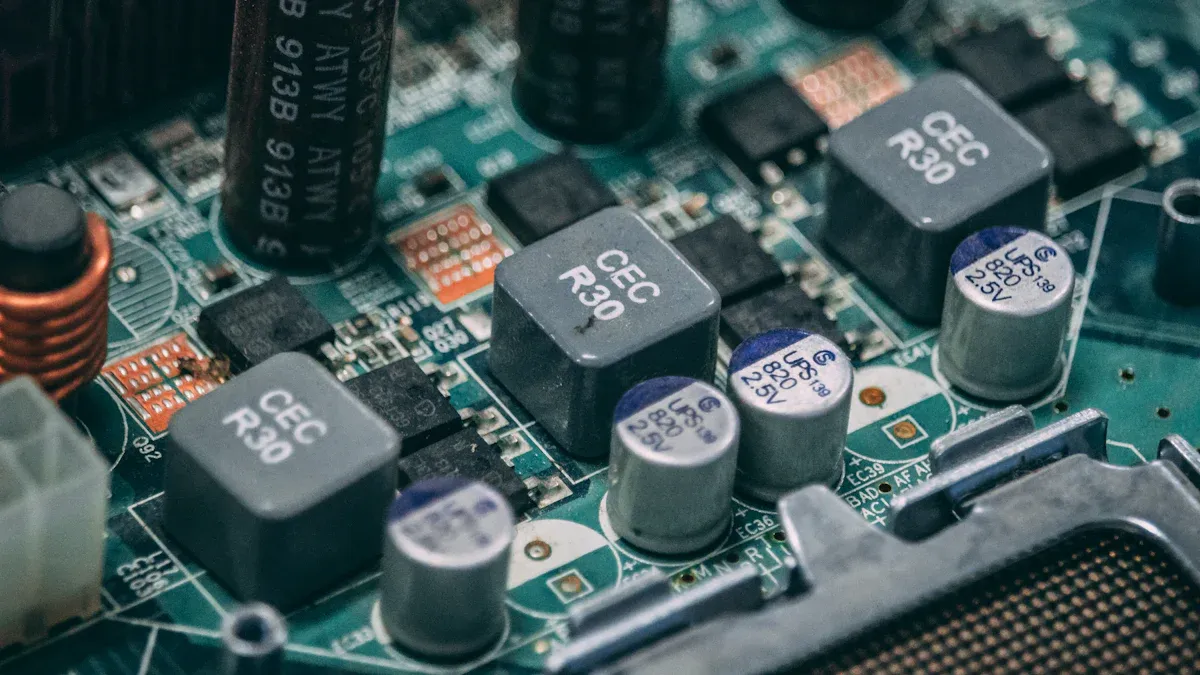
You need the right materials and components for your IoT device. Each part does something important. A good Bill of Materials (BOM) lists every part you need and where to get them. This helps you find problems early and pick good parts for your PCB.
| Component | Function |
|---|
| Resistors | Control current flow to prevent overload and overheating in IoT devices. |
| Capacitors | Store and release electrical energy to smooth out power surges, ensuring stable voltage. |
| Inductors | Reduce electrical noise and stabilise current flow, crucial for reliable device communication. |
| Transistors | Act as switches to control current flow, essential for processing signals in IoT devices. |
| Diodes | Ensure current flows in one direction, protecting sensitive components from damage. |
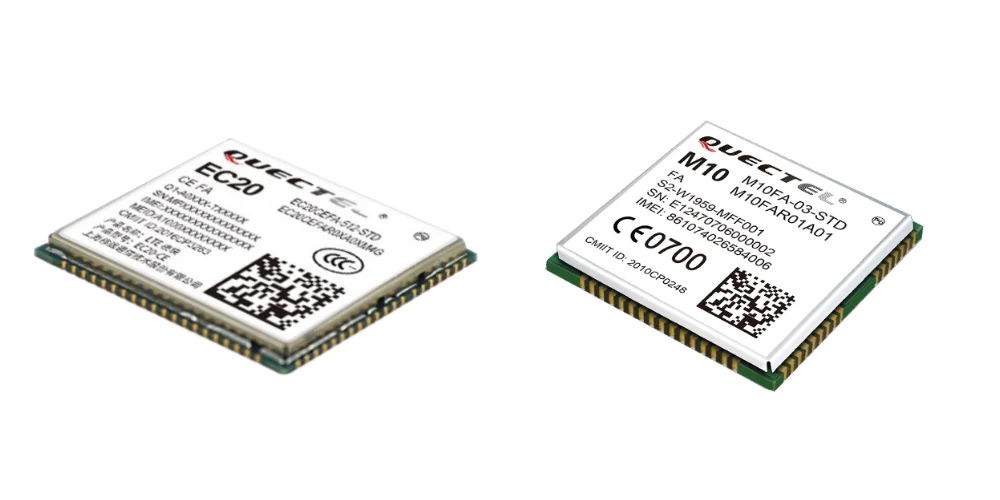
| Integrated Circuits (ICs) | Combine multiple components to handle signal processing and communication efficiently in compact spaces. |
The materials you pick for your PCB change how well your IoT device works. Low dielectric constant keeps signals strong. Good thermal conductivity stops your device from getting too hot. Strong mechanical properties help your device last longer, even in tough places.
Workspace Setup
You need a clean and neat workspace for PCB assembly. Dust and dirt can cause problems during IoT PCB assembly. Put your tools and parts where you can reach them easily. Good lighting helps you see small parts and not make mistakes.
Follow these steps to set up your workspace:
- Clean your table and tools before you start.
- Arrange your components in trays or bins.
- Make sure you have enough space to move parts safely.
- Keep your soldering tools and testing equipment nearby.
- Check that your workspace has good airflow to remove fumes.
A good workspace helps you work faster and make fewer mistakes. Careful setup makes assembly easier and gives better results for your IoT device.
PCB Fabrication Process
Manufacturing Steps
You begin PCB manufacturing by getting the base material ready. This base is the main part of your IoT device. Then, you put the circuit pattern on the PCB with a special film. Next, you remove extra copper so only the needed paths stay. After that, you drill holes for the parts and add a layer to protect the PCB.
Modern PCB manufacturing uses new technology to make IoT devices better. Miniaturisation lets you put more parts on a small PCB. High-density interconnects add more connections in less space. This helps signals move better. Flexible and rigid-flex PCBs let you make devices that bend or fit in small spots. Multilayer PCBs give you more paths for signals, which helps with data and power. Embedded components make your IoT device smaller and work better.
Quality Control
Quality control makes your IoT device work well. You need to check each step during PCB manufacturing. Use different ways to find problems early and make sure your PCB is good.
| Quality Control Measure | Description |
|---|
| Incoming material inspection | Check materials before using them. |
| DFM checks | Make sure your design is easy to manufacture. |
| In-process inspections | Watch for defects during production. |
| Automated optical inspection | Use cameras to spot surface defects. |
| X-ray inspection | Look inside for hidden solder problems. |
| Electrical testing | Test if the PCB works as planned. |
| Reliability testing | See how the PCB performs under stress. |
| Final quality assurance checks | Confirm the finished PCB meets all standards. |
You can also do these steps for extra safety:
- Solder paste inspection checks the paste before you put it on parts.
- Automated optical inspection finds missing or wrong parts.
- X-ray inspection looks at hidden connections.
- Functional circuit testing checks if the board works.
- In-circuit testing checks each part on the PCB.
If you follow these steps, your PCB assembly for an IoT device will meet high standards and work well in real life.
Component Placement and Soldering
SMT and Through-Hole
There are two main ways to put parts on a PCB for IoT devices. One way is called Surface Mount Technology, or SMT. SMT lets you place small parts right on top of the PCB. This is good for tiny IoT devices because it saves space and makes the board lighter. Machines can put many parts on fast and very accurately.
The other way is Through-Hole Technology. This uses holes in the PCB. You push the leads of parts through these holes. Then you solder them on the other side. Through-hole gives strong support to the parts. It is best for parts that get pushed or pulled a lot. It is also good for connectors that people plug in and out of. Many IoT devices use both SMT and through-hole together. This helps you get small boards and strong parts at the same time.
Manual vs. Automated Assembly
You can build your IoT PCB assembly by hand or with machines. Manual assembly means you put each part together yourself. You also solder each part by hand. Automated assembly uses machines to do most of the work. Each way has its own good points.
Here is a table that shows how manual and automated assembly are different:
| Aspect | Manual Assembly | Automated Assembly |
|---|
| Speed | Slower because people do the work | Faster because machines do the work |
| Accuracy | People make more mistakes, 1-2% defects | Machines are very accurate, 0.01% defects |
| First-pass Yield | Usually 85-92% | Usually more than 98% |
| Placement Method | People place parts, not always perfect | Machines place parts very well |
| Soldering Method | People solder, heat can be a problem | Machines use reflow, and the heat is even |
| Quality Control | Depends on the worker's skill | Machines check with AOI and ICT |
| Best Use Case | Good for testing and small numbers | Good for making lots of boards |
Manual assembly is good for testing and small jobs. You can fix mistakes easily and change things fast. Automated assembly is better for making many IoT devices. Machines work faster and make fewer mistakes. You get better quality when you make a lot of boards.
Soldering Methods
You need to connect the parts to the PCB with solder. There are a few ways to do this. Each way works best for certain IoT PCB assembly jobs.
- Reflow soldering is best for boards with lots of small parts. It uses a special oven to melt the solder paste. This makes strong and good connections. It works well for small and tricky boards.
- Wave soldering is good for through-hole parts. The PCB goes over a wave of hot solder. This is fast and works well for big parts. Use it when you have many through-hole parts.
- Through-hole technology is still needed for IoT devices that need strong parts. Use it for connectors or parts that get pushed a lot.
You should know about defect rates for each soldering method. Selective soldering has a defect rate from 0.5% to 2% for mixed boards. Wave soldering can have more defects, from 5% to 12%. You can lower these numbers by picking the right way for your PCB.
Pick the best soldering way for your board, how many you need, and what parts you use. Careful soldering and checking help you make strong IoT products.
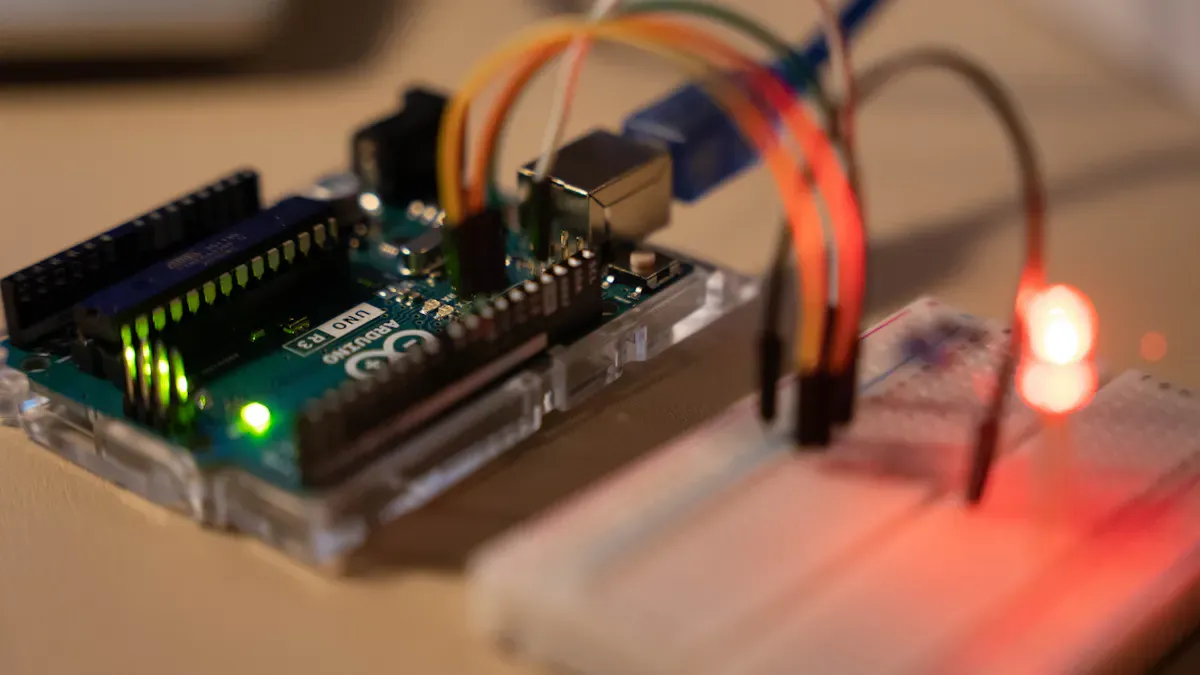
Testing and Integration
Inspection Methods
You need to check your PCB carefully after you finish the IoT PCB assembly. Inspection helps you find problems before you use the board in your IoT device. Automated systems use high-resolution cameras and smart software to spot even tiny mistakes. These systems can triple the speed of inspection and raise the defect detection rate to over 99%. Here are some common inspection methods:
| Inspection Method | Description |
|---|
| X-ray Inspection | Uses X-rays to find hidden problems like cracks or bad solder joints inside the PCB. |
| In-Circuit Testing (ICT) | Checks if each part works by measuring voltage, resistance, and signals with special probes. |
| Automated Optical Inspection (AOI) | Uses cameras to look for missing parts, wrong placement, or solder issues on the surface of the PCB. |
You can trust these methods to catch most defects. Automated inspection also reduces false alarms and helps you fix problems faster.
Functional Testing
You must test if your PCB works as planned. Functional testing checks if your IoT device does what you want in real life. You load the firmware and run the board with real power and signals. This test finds up to 70% of problems that other checks might miss. You should test:
- The main processor and memory to see if they start and run.
- Sensor connections like I2C and SPI to make sure they talk to the board.
- Power use in different modes to check battery life.
- Wireless signals to see if your IoT device can send and receive data.
Functional testing is the last step before you ship your product. It makes sure your IoT PCB assembly meets all your needs.
Final Device Integration
You need to put the finished PCB into your IoT device. Follow these steps for a smooth integration:
- Get all the parts you need, like sensors and microcontrollers.
- Test your PCB design to make sure it works well.
- Use the right assembly methods, such as SMT or through-hole, for your device.
- Check quality with AOI and functional testing.
Watch out for common problems during integration. These include bad soldering, poor grounding, or stress from the environment. Good grounding stops noise and keeps your device stable. Always use a solid ground plane to avoid random failures.
Tip: Careful testing and integration help your iot device work well and last longer.
You now know how to finish PCB assembly for IoT devices step by step. Good planning and paying close attention help you make IoT products that work well. To keep your boards good, always make sure the holes fit the component leads. Keep your workspace clean and use machines to check your boards.
- Always test every PCB and pick strong materials for devices that get hot or shake.
- Begin with a design that is simple to build, and pick good suppliers for your IoT projects.
Keep learning about new tools and machines. These new things help your IoT PCB work better and let you make more devices, from just a few to many.
FAQ
What is the most important step in PCB assembly for IoT devices?
You must check your design before you start. A good review helps you find mistakes early. This step saves time and money. Careful planning leads to better results.
How do you choose the right PCB type for your IoT device?
You look at your device size, power needs, and features. Flex PCBs work for small or bendable devices. Rigid PCBs fit strong, flat designs. HDI PCBs help when you need many connections.
Can you assemble IoT PCBs at home?
Yes, you can assemble simple IoT PCBs at home. Use basic tools like a soldering iron and tweezers. For complex boards, you need special machines and a clean workspace.
Why is quality control important in PCB assembly for IoT devices?
Quality control helps you catch problems early. You make sure every board works well. This step keeps your IoT devices reliable and safe.
What tools do you need for PCB assembly for IoT devices?
| Tool | Use |
|---|
| Soldering Iron | Attach parts to the board |
| Tweezers | Place small components |
| Multimeter | Test circuits |
| Magnifier | Check solder joints |
About the auther:

Sonic Yang
As a major of Electronics and Mechanical Automation, Sonic has been engaged in PCB design, R&D, manufacturing of eletronics for around 22 years, as engineering director and coordinates with supply chain(components&CNC parts), providing professional supports and consults for global customers.

 en
en


 WhatsApp